











Introduction

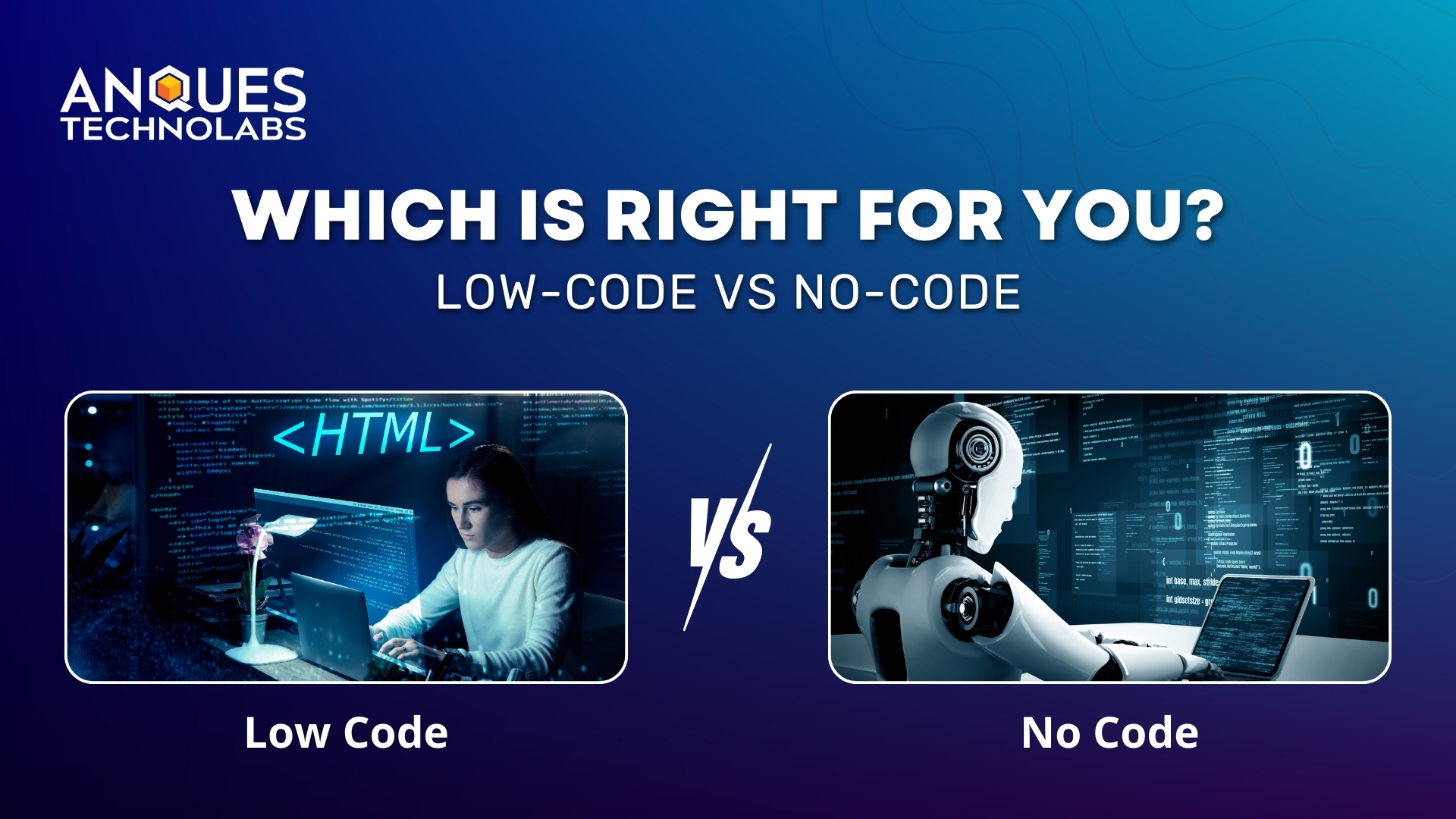
App development doesn’t have to be complicated or expensive anymore. With low-code vs no-code platforms, businesses can build apps in days instead of months, saving time and costs.
Low-code lets developers add custom features, while no-code allows anyone to create apps with drag-and-drop tools. In this article, we’ll explore how these platforms work, their benefits and limitations, and which approach is best for your business.
What Are Low-Code and No-Code?
Low-Code Development
Low-code development is a modern software development approach that combines visual design tools, drag-and-drop features, and minimal coding to accelerate application creation. It allows developers and IT teams to build apps faster while still offering the flexibility to add custom code for advanced functionality and integrations.
No-Code Development
No-code development is an app-building method that requires zero programming skills, enabling non-technical users to create applications through pre-built templates, workflows, and automation tools. With a purely visual interface, no-code platforms make it possible for entrepreneurs, small businesses, and teams to quickly launch apps without writing a single line of code.
Advantages for Businesses
🚀 1. Faster Time-to-Market
One of the biggest benefits of low-code and no-code is speed. By using drag-and-drop builders, pre-built templates, and visual workflows, businesses can deliver apps quickly without writing thousands of lines of code.
👉 Why it matters: In fast-moving industries like e-commerce or fintech, being the first to launch can create a significant competitive edge.
💰 2. Cost-Effective App Development
Traditional development requires hiring teams of developers, testers, and project managers-an expensive investment. With low-code platforms and no-code tools, businesses can reduce development costs by empowering smaller teams or even non-technical employees to build apps.
👉 Why it matters: Small businesses and startups can save thousands in development expenses, while enterprises cut operational overhead.
🙌 3. Empowering Non-Technical Teams
No-code platforms, in particular, allow non-technical employees -such as marketers, HR managers, or operations teams-to create their own applications without writing a single line of code. This democratizes app development, ensuring that innovation is no longer limited to IT departments.
👉 Why it matters: Empowering non-technical teams reduces IT dependency, speeds up project delivery, and boosts overall business agility.
⚡ 4. Greater Business Agility & Innovation
Low-code and no-code platforms allow businesses to prototype, test, and iterate rapidly. Instead of spending months planning, companies can launch small versions of apps, gather feedback, and improve them continuously.
👉 Why it matters: This agility fuels digital transformation, enabling businesses to keep up with changing customer expectations.
🔗 5. Seamless Integration & Scalability
Low-code platforms often come with built-in API connectors and enterprise integrations, making it easy to connect apps with CRMs, ERPs, or cloud databases. Businesses can start small and scale as demand grows-something traditional no-code apps may struggle with.
👉 Why it matters: Enterprises can modernize legacy systems without replacing them entirely.
Potential Limitations and Risks
🔧 1. Customization Constraints
Low-code and no-code tools rely on pre-built components, drag-and-drop editors, and templates. While this makes development faster, it restricts businesses when they need highly customized solutions, advanced business logic, or unique workflows.
📈 2. Scalability Issues
These platforms are excellent for MVPs (minimum viable products), prototypes, and small-scale apps, but many struggle when scaling to enterprise-level demands. Performance bottlenecks, limited database support, and lack of advanced cloud infrastructure can hinder growth.
🔗 3. Vendor Lock-In
Most low-code and no-code platforms are proprietary ecosystems. Businesses build applications tightly coupled to one provider’s infrastructure, APIs, and data models. Migrating later to another platform-or back to traditional coding-can require starting from scratch, making it costly and time-consuming.
🔒 4. Security & Compliance Concerns
Since applications and data are hosted on third-party servers, businesses must evaluate data privacy, cybersecurity, and compliance standards of the platform. Not all tools meet regulations like GDPR, HIPAA, or SOC 2.
⚡ 5. Limited Control Over Performance
In traditional coding, developers can fine-tune backend systems, optimize databases, and improve app speed. With low-code/no-code platforms, performance optimization is largely restricted to what the vendor provides.
💰 6. Hidden Costs
While these platforms are marketed as cost-saving alternatives, expenses can add up quickly:
- Higher subscription tiers for advanced features
- Fees for scaling user traffic or storage
- Costs for premium integrations with third-party tools
Low-Code vs No-Code Development
| Aspect | Low-Code Development | No-Code Development |
| 👩💻 Target Users | Developers & IT teams needing flexibility. | Non-technical users like marketers & HR. |
| ⚡ Development Speed | Fast, but requires some coding. | Instant app creation with drag-and-drop. |
| 🛠 Customization | High customization with coding support. | Limited, template-driven customization. |
| 📈 Scalability | Enterprise-ready, supports complex apps. | Best for small to medium projects. |
| 🔌 Integrations | Strong APIs & advanced integrations. | Limited integrations, vendor-dependent. |
| 🔒 Security & Compliance | Enterprise-grade security & compliance. | May lack advanced compliance features. |
| 💰 Cost | Higher upfront but scalable long-term. | Lower entry cost, hidden scaling fees. |
| 🧩 Complexity | Handles mission-critical & enterprise apps. | Best for simple workflows & MVPs. |
| 👨🏫 Learning Curve | Requires coding knowledge. | Beginner-friendly, minimal learning curve. |
| 🏢 Best Use Cases | Digital transformation, enterprise apps. | Startups, prototypes, workflow automation. |
Choosing the Right Approach
👩💻 Team Skills
- If you have developers who can handle some coding, low-code offers flexibility and scalability.
- If your team is mostly non-technical, no-code is the faster and more accessible option.
📈 Project Size & Complexity
- For enterprise-grade, mission-critical applications, low-code is more reliable.
- For simple apps, prototypes, or workflow automation, no-code is ideal.
💰 Budget & Resources
- Low-code may require more investment but is cost-efficient long-term for larger projects.
- No-code reduces upfront costs but may have hidden fees when scaling.
🔌 Integration Needs
- If your business requires advanced integrations, APIs, or legacy system support, low-code wins.
- For basic internal tools or standalone apps, no-code works just fine.
🔒 Security & Compliance
- Highly regulated industries (finance, healthcare, government) should lean towards low-code for enterprise-level compliance.
- No-code is better suited for internal apps with minimal security risks.
Conclusion
Choosing between low-code and no-code depends on your goals-no-code speeds up simple app building, while low-code powers complex, scalable business solutions.
At Anques Technolabs, we help businesses pick the right path and turn ideas into powerful digital solutions.
🚀 Ready to build smarter and faster? Partner with Anques Technolabs today!
❓ Frequently Asked Questions
1. What is the main difference between low-code vs no-code?
👉 Low-code requires minimal coding and offers flexibility for complex apps, while no-code uses drag-and-drop tools for simple, fast app building.
2. Is low-code better than no-code?
👉 It depends on your goal no-code is best for quick prototypes and business apps, while low-code is better for enterprise-grade, scalable solutions.
3. Can enterprises rely on no-code platforms?
👉 No-code platforms work well for non-technical teams and smaller apps, but enterprises often prefer low-code for scalability, security, and custom workflows.
4. Are low-code and no-code secure?
👉 Security depends on the platform. Leading low-code/no-code platforms offer compliance with standards like GDPR, HIPAA, and SOC 2, but businesses must evaluate before adopting.
5. How do I choose between low-code and no-code for my business?
👉 If you need speed and simplicity, go with no-code. If you need flexibility, integrations, and scalability, choose low-code. Consulting experts like Anques Technolabs make sure you pick the right fit.